
Adding on-device AI to Flutter with TensorFlow Lite
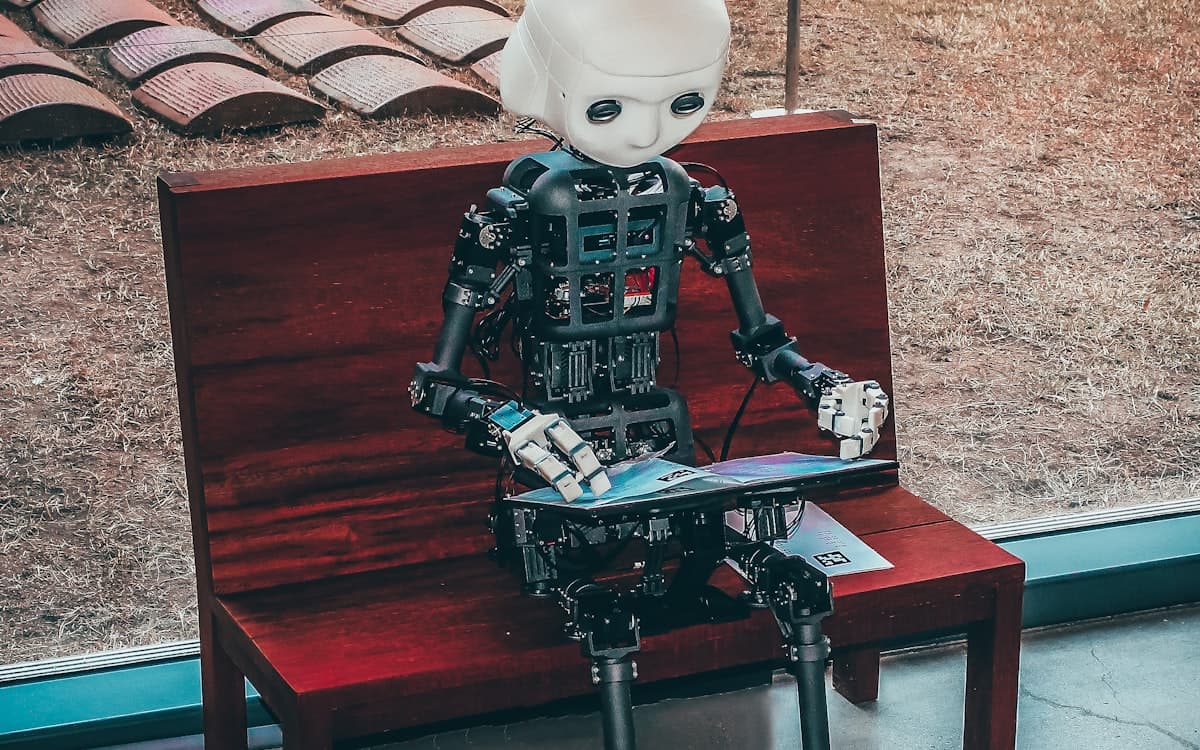
Running the model on the phone instead of the cloud keeps data private and works without a signal. Here's how I got real-time pose detection running inside a Flutter app with TensorFlow Lite.
There's something quietly satisfying about AI that never phones home. When the model runs right there on the device, the user's data never leaves their pocket, and there's no network round-trip slowing everything down. For FitTrack AI I needed real-time pose detection — and honestly, that's only realistic on-device. Waiting on a server for every camera frame is a non-starter.
I won't pretend it was all smooth. But here's the approach that finally worked, written the way I'd explain it to a friend over coffee rather than as a dry tutorial.
Picking a model and shrinking it down
Start with a model that's actually meant for phones — don't try to cram a giant server model in and hope for the best, I tried, it doesn't end well. Grab a mobile-friendly architecture and convert it to the .tflite format.
Then quantize it. Int8 quantization makes the model smaller and the inference faster, and for pose detection the accuracy hit was so small I couldn't see it in practice. Easy win, take it.
import tensorflow as tf

converter = tf.lite.TFLiteConverter.from_saved_model("pose_model")

# Int8 quantization: smaller file, faster inference.
converter.optimizations = [tf.lite.Optimize.DEFAULT]
converter.representative_dataset = representative_data_gen

with open("pose.tflite", "wb") as f:
    f.write(converter.convert())
Getting it talking to Flutter
The tflite_flutter package hands you the interpreter directly, which is exactly what you want. You feed it camera frames, read the output tensors back out, and map those numbers onto keypoints on the body.
The one rule I'd carve into stone: do this work off the UI isolate. The moment inference and the camera preview fight over the same thread, the preview stutters and the whole thing feels cheap. Keep them apart and it stays smooth.
import 'package:tflite_flutter/tflite_flutter.dart';

final interpreter = await Interpreter.fromAsset('pose.tflite');

// input: one camera frame -> output: 17 keypoints (x, y, score)
final output = List.filled(17 * 3, 0.0).reshape([1, 17, 3]);
interpreter.run(input, output);

final keypoints = parseKeypoints(output);
Actually hitting real-time on mid-range phones
This is where the rubber meets the road. Turn on the GPU delegate when the device has one, and fall back gracefully to NNAPI or plain CPU when it doesn't — don't assume, just check and degrade nicely.
Run inference at the lowest resolution that still gives you accurate keypoints, not a pixel more. And when the device can't keep up, skip frames instead of queueing them. A dropped frame is invisible; a growing backlog turns into lag you can feel. That trade-off is the whole game.
final options = InterpreterOptions();

try {
  options.addDelegate(GpuDelegateV2());        // fastest, when available
} catch (_) {
  options.threads = 4;                          // graceful CPU fallback
}

final interpreter = await Interpreter.fromAsset('pose.tflite', options: options);

// Drop the frame if we're still busy — never queue a backlog.
if (!isBusy) runInference(frame);